 Coffee Gear Picks
Best AeroPress App (2026): Top Timer & Recipe Apps Compared
The best AeroPress app is the one that makes brewing feel easier, not the one that turns your phone into a tiny science project. You want clear steps, a timer you can trust, and enough recipe guidance that your morning cup tastes repeatable instead of random.
Right now, Aeromatic is the easiest app to recommend for most people. It is focused on AeroPress, works on both iPhone and Android, and mixes guided recipes with useful extras like notes and bean tracking. But it is not the only good option. Some apps are better if you want deep logging. Some are better if you just want a dead-simple timer. And one of them is still only worth your time if you live in Apple land.
I am also including a few supporting gear picks because app advice only helps if your setup can actually follow it. A timer app cannot fix a muddy grind or eyeballed water. That is like following a cake recipe perfectly while guessing the oven temperature and hoping for the best.
Gear That Makes AeroPress Apps Way More Useful
Great app advice lands better when your brewer, grinder, scale, and filters stop adding chaos to the cup
Starter
Best base setup for recipe apps
- Classic AeroPress format
- Matches most app recipes
- Easy to learn
- Fast cleanup
Top Pick AeroPress Original
$$
The easiest place to start
Check Price on Amazon Travel
Best if you brew outside the kitchen
- Compact all-in-one kit
- Simple to pack
- Great with guided timers
- Made for hotel and office coffee
Top Pick AeroPress Go
$$
The mobile setup pick
Check Price on Amazon Accuracy
Best for making app recipes taste right
- Manual burr grinding
- Better consistency
- Works well for AeroPress
- Travel-friendly
Top Pick TIMEMORE Chestnut C2
$$
Where recipe consistency starts
Check Price on Amazon Budget
Best cheap fix for cleaner cups
- Classic paper brewing
- Bright clean flavor
- Easy cleanup
- Low-cost refill
Top Pick AeroPress Paper Micro-Filters
$
Small spend, big difference
Check Price on AmazonQuick answer: Pick Aeromatic if you want the best mix of guided AeroPress recipes, built-in timing, and day-to-day ease. Pick AeroPress Timer if you are on iPhone and want a more stripped-down recipe companion. Pick Beanconqueror if you are the type who loves logging everything and repeating the same great cup on purpose.
My honest take? Most people do not need the most advanced app. They need the app that keeps them from forgetting brew time, ratio, and grind notes before the caffeine hits. That is why I would start with Aeromatic, then move to something more data-heavy only if you already know you enjoy the nerdy side of coffee.
Quick picks
Our Top Picks


Comparison table
| App | Platform | Free or paid | Timer depth | Recipe library | Logging | Best for | Link |
|---|---|---|---|---|---|---|---|
| Aeromatic | iPhone and Android | Paid app | Step-by-step brew timer with guided recipes | 60+ curated AeroPress recipes | Notes, custom recipes, and bean tracking | Most people who want one polished AeroPress-first app | See app |
| AeroPress Timer | iPhone | Paid app | Step-by-step recipe timer with voice shortcut support | Curated AeroPress recipe catalog | Light logging compared with newer apps | Apple users who want a focused classic companion | See app |
| Timer.Coffee | iPhone and Android | Free with optional donations | Detailed background timer with alerts and lock-screen support on iPhone | 40+ brew methods including AeroPress | Brew diary, bean tracking, and custom recipes | People who brew more than just AeroPress | See app |
| Beanconqueror | iPhone, iPad, and Android | Free and open source | Deep brew tracking tied to methods and gear | Multiple brew methods with customizable prep profiles | Heavy bean, brew, roast, and gear logging | Data nerds and repeatability obsessives | See app |
| Brew Timer | Android | Free with ads and in-app purchases | Custom recipe timer with pour-rate tracking and audio help | Premade and user-created coffee recipes including AeroPress | Notes, brew scores, and brew history | Android users who want flexible recipe control | See app |
How we evaluate
For this roundup, I compared what each app actually promises in its official site or store listing, then judged it the way a normal AeroPress owner would. Does it guide the brew clearly? Does it keep your place when you are half awake? Can it help you repeat a great cup tomorrow, not just today? That matters a lot more than a giant pile of menu options you will never touch.
I weighted five things most heavily: how clear the brew timer feels, how useful the recipe library is, how easy it is to save notes, whether the app is locked to one platform, and whether it stays focused on real coffee workflow instead of feeling like a cluttered hobby spreadsheet. A good coffee app should feel like a helpful friend at the counter. A bad one feels like doing homework before breakfast.
I also gave extra credit to apps that support repeatability. That just means helping you make the same good cup twice instead of getting lucky once. If the app helps you track beans, ratio, grind, and brew notes in a way you will actually use, that is a real advantage.
Individual app reviews
1) Aeromatic — Best Overall
Aeromatic is the cleanest answer for most people because it stays centered on AeroPress instead of trying to be every coffee app for every brewer on earth. The official site and App Store listing both lean on the same core strengths: 60+ curated recipes, step-by-step instructions, a built-in stopwatch, custom recipes, notes, and bean tracking. That is a strong mix. It gives beginners enough hand-holding without feeling childish, and it gives enthusiasts enough room to tinker without turning the whole thing into a spreadsheet.
What I like most is the balance. Some apps are good timers but weak teachers. Some are great databases but feel cold and annoying in the middle of a brew. Aeromatic lands in the middle in a good way. If you are still figuring out what kind of AeroPress cup you like, this one gives you enough structure that you are not guessing every morning.
Pros
- ✓ AeroPress-first design instead of generic coffee clutter
- ✓ 60+ curated recipes is a genuinely useful starting point
- ✓ Available on both iPhone and Android
Cons
- ✗ Paid app, so it is not the cheapest entry point
- ✗ If you only want a bare timer, this may feel like more app than you need
If you are new to AeroPress, pair it with the AeroPress Original Coffee Press so the recipes line up with the classic brewer most developers assume.
2) AeroPress Timer — Best for iPhone Simplicity
AeroPress Timer has been around a long time, and you can feel that in both the good and bad ways. The good part is focus. It is built around curated recipes and step-by-step brewing, and the App Store listing even calls out Siri Shortcuts so you can jump into favorite recipes faster. That is handy if you want a phone tool that behaves more like a kitchen timer than a social platform.
The downside is that it is iPhone-only and feels lighter on logging than newer apps. If your dream setup is saving beans, notes, and brew history in one tidy place, Aeromatic or Beanconqueror makes more sense. But if you want something narrower and calmer, AeroPress Timer still has a case. It is the app I would point to for the person who wants a clean little companion, not a coffee command center.
Pros
- ✓ Focused on step-by-step AeroPress brewing
- ✓ Good pick for people who want less clutter
- ✓ Siri Shortcuts support is a nice quality-of-life touch
Cons
- ✗ iPhone only
- ✗ Not the deepest logging option here
- ✗ Less flexible if you brew with lots of other methods too
This app makes even more sense when you use a consistent grinder. The TIMEMORE Chestnut C2 is still a strong value pick if you want recipe timing and grind adjustments to actually mean something in the cup.
3) Timer.Coffee — Best Free All-Rounder
Timer.Coffee is the app for people who like the idea of one brewing home for everything, not just AeroPress. Its App Store listing calls out 40+ brewing methods, adjustable coffee-and-water calculations, custom grind settings, a brew diary, bean tracking, recipe sharing, and background brewing. That is a big feature set for something that is free and open source.
The catch is focus. Because it covers so many brewing methods, it does not feel as AeroPress-specific as Aeromatic. That is not automatically bad. In fact, if you bounce between AeroPress, V60, French Press, and Clever, Timer.Coffee may be the smarter app long term. But if you want the strongest AeroPress-first recipe experience, it is a little more like a Swiss Army knife than a perfectly sharpened chef's knife.
Pros
- ✓ Free and open source is hard to argue with
- ✓ Great if you brew with several methods, not just AeroPress
- ✓ Strong blend of timer, calculator, diary, and bean tracking
Cons
- ✗ Less AeroPress-specific personality than Aeromatic
- ✗ Feature-rich interface may feel busier to total beginners
If you want Timer.Coffee to help you actually repeat recipes, add a small scale. The MiiCoffee Nano Pro Coffee Scale reads in 0.1-gram steps and gives you real numbers instead of sleepy guesswork.
4) Beanconqueror — Best for Data Tracking
Beanconqueror is what happens when a coffee logbook goes to the gym. The App Store listing talks about tracking brews, beans, roasts, custom water, and even connected scales and pressure devices. It also supports AeroPress among many brew methods and is available beyond just iPhone, which matters if you do not want your coffee habits trapped on one device family.
This is not the app I would hand to somebody who just bought an AeroPress last week. It is the app I would hand to the person who already has favorite beans, notices tiny changes, and enjoys keeping records because the records help them brew better. If that sounds like you, Beanconqueror is excellent. If that sounds exhausting, skip it and be happy.
Pros
- ✓ Excellent logging depth for beans, brews, and gear
- ✓ Free and open source
- ✓ Useful if repeatability matters more than simplicity
Cons
- ✗ Overkill for casual users
- ✗ More setup than lighter recipe-timer apps
Beanconqueror shines when your brew setup stays stable. The AeroPress Paper Micro-Filters help keep the cup cleaner and the variables a little easier to read when you are logging changes.
5) Brew Timer — Best for Android Tinkerers
Brew Timer feels built for the Android user who likes flexibility. The Google Play description calls out custom recipes, premade professional recipes, thousands of user-created brews across multiple methods, audio assistance, brew logging with scores and notes, and even pour-rate tracking. That is a lot of control packed into one app.
The strength here is customization. If you like adjusting recipes, cloning them fast, and building a workflow that fits your exact habits, Brew Timer looks appealing. The weakness is the same thing. More knobs means more chances to disappear into tweaking when you could have just made coffee. So I would recommend this one for the Android coffee nerd, not the person begging for less decision fatigue before work.
Pros
- ✓ Strong recipe customization and tracking features
- ✓ Good fit for Android power users
- ✓ Audio help and pour-rate tools are nice touches
Cons
- ✗ Android only
- ✗ Can feel busier than simpler timer apps
- ✗ Best features make more sense once you already know your preferences
If Brew Timer is going to live in your backpack, the AeroPress Go is the most natural brewer pairing. It keeps the whole app-guided routine compact and easy to repeat on the road.
Best app by use case
Most readers are not actually asking for the single best app in a vacuum. They are asking, “Which one fits the way I make coffee?” That is a much better question.
Pick the app that matches your brewing style
These apps are good for different reasons, so choose the one that fits your real routine
Beginner
- Choose Aeromatic
- Clear guided recipes
- Strong AeroPress focus
Apple Minimalist
- Choose AeroPress Timer
- Simple step-by-step flow
- Good if you hate clutter
Multi-Brewer
- Choose Timer.Coffee
- AeroPress plus 40+ methods
- Good diary and bean tools
Data Nerd
- Choose Beanconqueror
- Deep brew and bean logging
- Great for repeatability
Outcome
Pick the app you will actually keep opening. Consistency beats complexity every morning.
What an app can and cannot fix
An app can absolutely make your brewing more consistent. It can keep your timing honest, remind you of ratios, save the recipe that finally worked, and stop you from re-learning the same lesson every other week. That is real value.
But an app cannot fix stale beans, a sloppy grind, or a brewer full of old oils. If your coffee tastes dull, bitter, or weirdly flat no matter what the phone says, the problem may be somewhere else in the chain. That is why I think app advice works best when paired with a grinder you trust and a scale that stops the guessing.
Put another way: the app is the coach, not the athlete. Helpful coach, yes. Miracle worker, no.
Supporting gear that makes these apps much easier to use
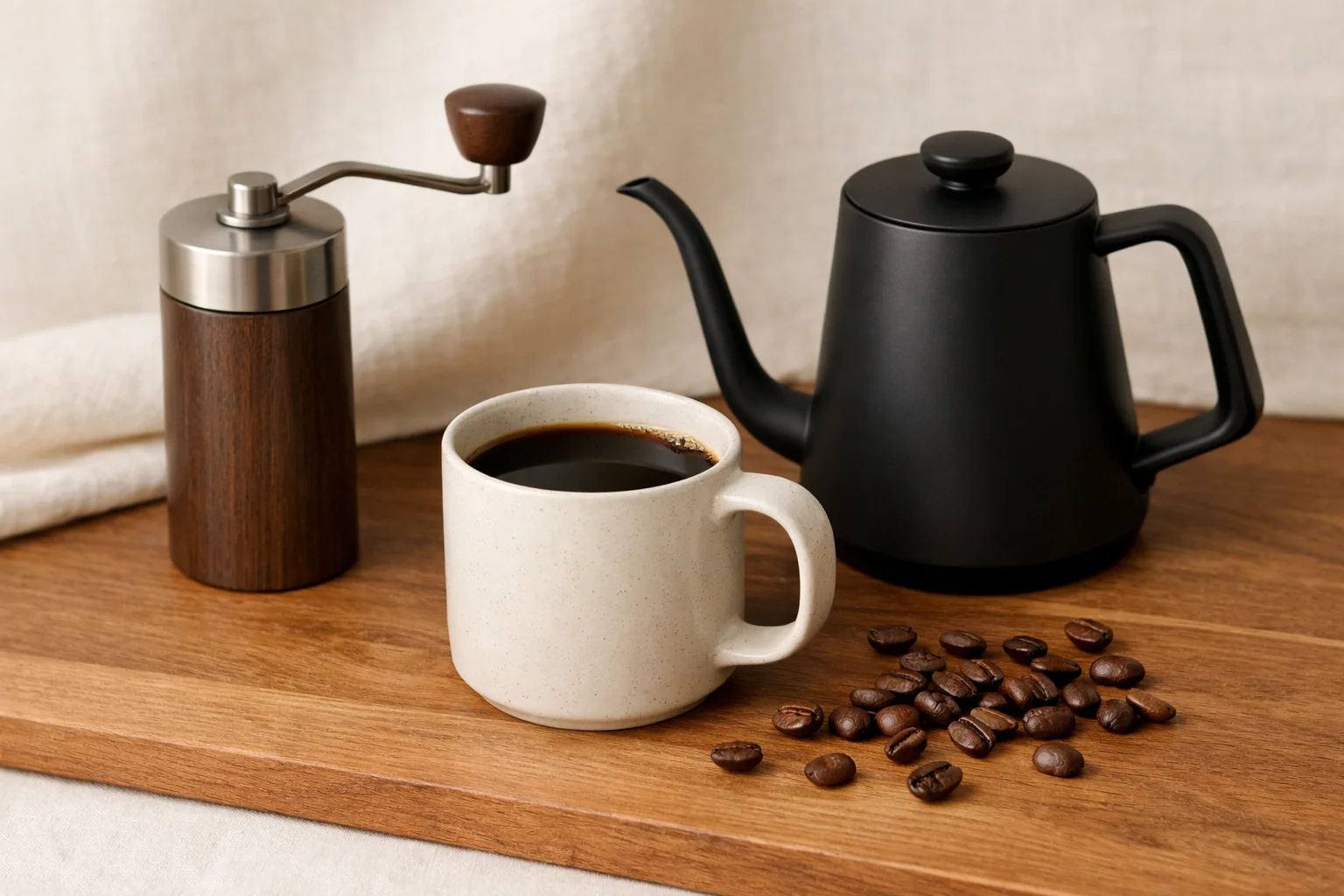
If you are going to follow timed recipes seriously, a few cheap gear upgrades make a bigger difference than people expect. A scale means your saved notes match real dose numbers. Fresh filters make recipe changes easier to taste. And a grinder that produces a more even grind means the “same recipe” actually behaves like the same recipe.
Honestly, this is why app recommendations sometimes disappoint people. They download a great timer app, keep eyeballing coffee, and wonder why every cup still tastes different. The app did its job. The rest of the setup did not.
Supporting gear worth pairing with an AeroPress app

A scale is the fastest way to stop app-guided brewing from turning into vague theater. When the recipe says 15 grams of coffee and 250 grams of water, you can actually do that instead of approximating with sleepy confidence.
Final verdict
Aeromatic is still the best AeroPress app for most people because it stays focused on the brewer, offers a strong recipe library, and works across both major phone camps. It feels useful without feeling fussy. That is a harder balance to strike than it sounds.
If you are on iPhone and want something narrower, AeroPress Timer still makes sense. If you want the best free path, go Timer.Coffee. And if your idea of fun is charting beans, brews, and gear like a coffee detective, Beanconqueror is the one.
Just do not expect the app alone to do all the work. The best results happen when the phone, the recipe, and the gear are all pulling in the same direction.
Frequently asked questions
What is the best AeroPress app for most people?
Aeromatic is the easiest all-round pick for most people because it mixes guided recipes, a built-in timer, bean tracking, and support for both iPhone and Android. It feels like one app instead of a stack of workarounds.
Do I need a paid AeroPress app to brew better coffee?
Not always. Free apps like Timer.Coffee and Beanconqueror already cover a lot. Paying makes more sense when you want tighter recipe guidance, nicer polish, or a deeper AeroPress-focused recipe library instead of a broad general coffee tool.
Which AeroPress app is best for Android users?
If you want the broadest AeroPress-first experience, Aeromatic is the cleanest Android pick. If you want something more technical with heavy recipe logging, Brew Timer and Beanconqueror are both worth a look too.
Which AeroPress app is best for logging brews?
Beanconqueror is the strongest logging-focused option in this group. It tracks brews, beans, roast details, and connected gear in a much deeper way than simpler timer-only apps.
Can an AeroPress app fix bad coffee on its own?
No. A good app helps you repeat a recipe, time it properly, and stop forgetting details. But if your grinder is inconsistent or your coffee is stale, the phone cannot rescue the cup by itself.
Related guides
- Best AeroPress Filters if your cup tastes muddy and you want a cleaner finish.
- Best AeroPress Brew Time if your timer app is only half the puzzle.
- Best AeroPress Grind Size if recipes keep tasting different from one day to the next.
- Best AeroPress Black Coffee Recipe if you want a simple cup that shows what your app settings are really doing.
- Coffee Brewing Ratio Guide if you want a dead-simple starting point for dose and water.