 Coffee Gear Picks
How to Use a Ninja Espresso Machine (2026)
Start by finding your model number, not by pressing the espresso button. This guide gives you a model-matched reference workflow from first setup to a drink and cleanup without mixing up Ninja's different systems.
Your first Ninja drink
Match the model before following the button sequence
- Find the model number
- Complete first-use rinse
- Load the correct coffee input
- Select style and size
- Choose milk settings or drip mode
- Use the matching accessories
- Remove grounds and milk residue
- Follow cleaning prompts
A model-matched routine, without mixing up beans, capsules, and grounds
Which Ninja machine do you have?
Use beans for the Luxe grinder workflow, compatible capsules for CFN601 espresso, and grounds for the drip basket. CM401 and CFP307 Specialty modes make concentrated coffee, not true pump or capsule espresso. Find the model number on your machine's label before choosing instructions.
- ES601, ES701, ES301: grinder-equipped espresso machines; menus and milk controls differ.
- CFN601: Nespresso Original-compatible espresso capsules plus a separate grounds-based drip side.
- CM401 / CFP307: grounds-based coffee and concentrate; CFP307 also accepts K-Cup pods.
- AE1001: automatic bean-to-cup operation. Follow Ninja's AutoBarista getting-started guidance, not portafilter steps.
Our Best Espresso Machine Ninja Options (2026) explains true espresso, capsule systems, built-in grinders, drip modes, and espresso-style concentrate model by model.
What should you gather before starting?
Gather fresh water, the right coffee input, a cup, and your machine's included accessories. Keep the model guide nearby for basket choice and first-use rinsing. For ES601, Ninja's ES600 Series Quick Start Guide is the reference; another model's similar-looking buttons are not a safe shortcut.
- Beans for the grinder, or grounds and capsules matched to your model.
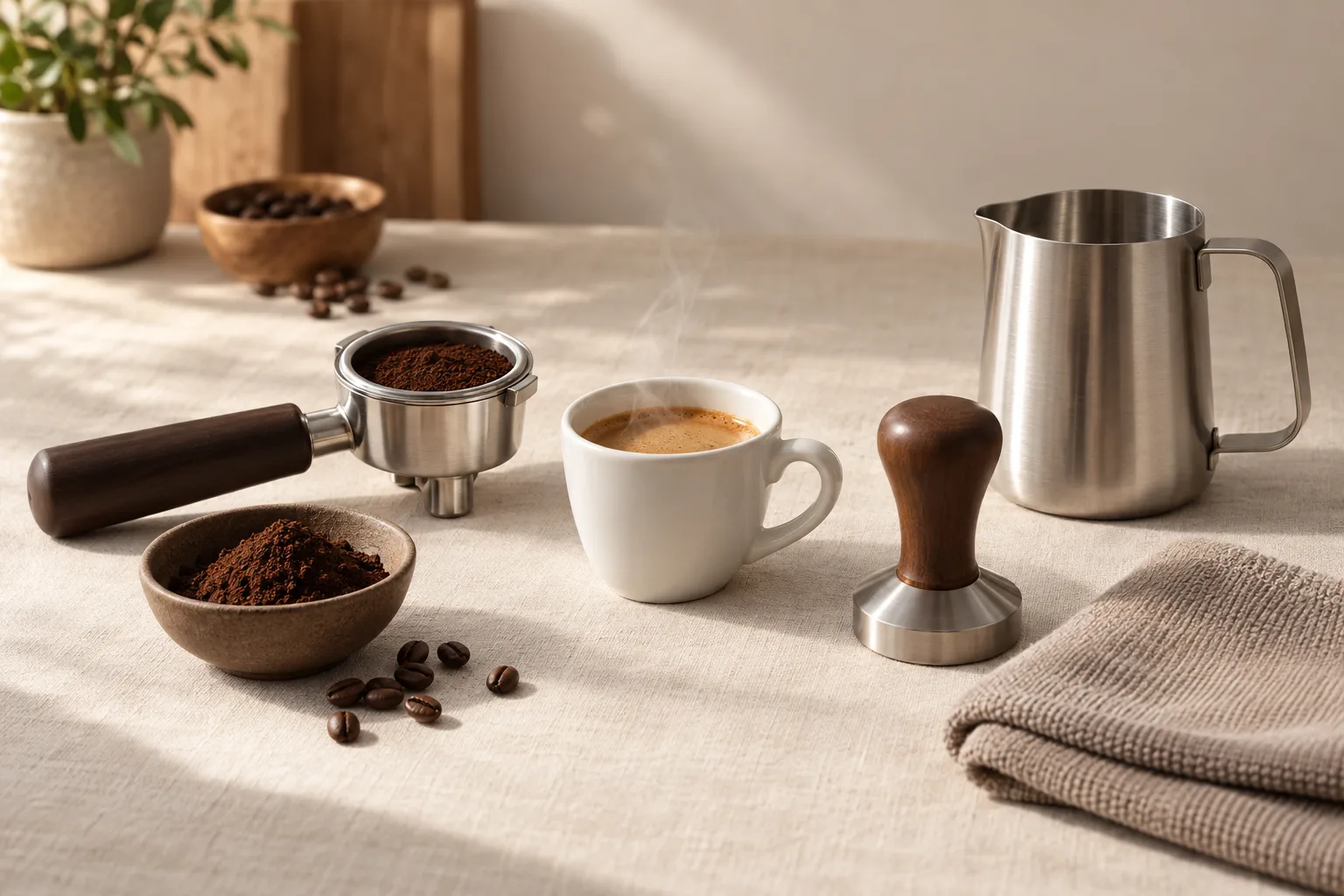
- The supplied basket, portafilter (handled coffee holder), funnel, and tamper for Luxe espresso.
- Milk jug and whisk for ES601 milk drinks; a soft cloth for cleanup.
How do you set up, brew, and clean the ES601?
Complete the first-use rinse, choose your drink and basket, then follow grinding, tamping, and brewing prompts. Use the separate milk settings for foam or coffee mode for a longer cup. These steps follow Ninja's ES600 instructions; they are not the button sequence for every Ninja brewer.
1. Wash, fill, and rinse
Remove packaging, wash the parts specified by Ninja, and fill the water reservoir to its marked limit. Complete the startup rinse in the ES600 Series Quick Start Guide before making a drink. Follow its water-hardness setup so the machine can guide maintenance.
2. Grind, tamp, and brew espresso
Fit the basket for your selected espresso size, attach the funnel, and place the portafilter in the grinding cradle. Select the drink and follow the displayed grind setting. Start grinding, use the supplied tamper to press the grounds as directed, remove the funnel, and lock the portafilter into the brew head. Put your cup underneath and start brewing.
Follow the ES600 drink instructions for double or quad drinks. For households needing larger espresso output, Best Espresso Machine for Quad Shots (2026) covers options beyond a single-shot routine.
3. Choose milk or drip coffee
Fit the milk whisk, fill the jug within its marked limits, and position the jug and wand as shown in Ninja's drink guide. Select milk type and froth style, then start the cycle. For drip coffee, switch modes and follow the coffee basket and dosing instructions; do not carry over espresso tamping steps.
Need carafe coffee as well? Check serving sizes before retiring your old brewer. Best Coffee Maker Espresso Machine Combos (2026) covers broader options for carafe coffee and espresso-style drinks.
4. Clear coffee and milk residue
Remove used grounds and clean the basket and milk accessories as directed. Wipe the wand and let its prescribed purge routine finish. Follow Ninja's ES600 cleaning guidance for prompted cleaning and descaling; these are separate jobs, not one interchangeable cycle.
Which mix-ups should you avoid?
Keep coffee inputs in their intended compartments, and use the instructions for the selected drink mode. A capsule opening is not a grounds basket. On CFN601, Ninja's Quick Start Guide separates capsule espresso from drip coffee; follow its scoop chart rather than guessing a dose from cup size.
For grounds, fit the filter, add the specified scoops, select style and size, and position your cup or carafe. Use the CFN601 Quick Start Guide; CM401 and CFP307 have their own charts.
What if your drink tastes wrong or will not brew?
Check drink selection, coffee input, and the displayed message before changing settings. On ES601, use the grind recommendation after the shot. On CFN601, inspect capsule compatibility and setup instead. Do not try to fix a capsule machine by following advice meant for a built-in grinder.
Weak or sharp, lemon-like espresso
Confirm basket and drink size, then follow Barista Assist's next grind recommendation in the ES600 Quick Start Guide. Change one thing at a time so you can tell what helped.
CFN601 refuses to brew
Check water, capsule placement, and the indicated error against the CFN600 troubleshooting guide. Stop if the fault persists; forcing another cycle is not a repair.
Frequently asked questions
How do you use a Ninja espresso machine for the first time?
Find your model, wash the specified removable parts, fill the reservoir, and complete its first-use rinse before adding coffee. The ES600 Series Quick Start Guide covers Luxe Premier setup; capsule, drip, and AutoBarista machines have different startup sequences.
How do you brew coffee in a Ninja Luxe Café?
Select coffee mode, fit the basket required for your drink size, and follow the grind-and-dose prompts before brewing. Use coffee instructions rather than espresso tamping steps. The ES600 drink instructions cover Premier; Mini and Pro menus differ. Specialty concentrate on other Ninja coffee makers is not true espresso.
How do you use a Ninja coffee maker for grounds?
Put grounds in the filtered brew basket, choose the matching size and style, and position a cup or carafe underneath. On CFN601, grounds belong on the drip side, not in the capsule opening. Its Quick Start Guide gives the scoop amounts; CM401 and CFP307 need their own guides.
How do you froth milk in a Ninja Luxe Café?
Fit the whisk, fill the jug within its marked limits, position it under the wand, and select milk type and froth style. Start the milk cycle and clean afterward as directed in the ES600 drink and cleaning guidance. ES301 uses a manual wand, not this hands-free sequence.
Why is my Ninja espresso shot weak or sour?
Check the selected drink size, coffee input, and dose before changing settings. On ES601, follow the grind recommendation after brewing, as described in the ES600 Quick Start Guide. For CFN601, check capsule compatibility and use the CFN600 troubleshooting guide rather than looking for a grinder adjustment.
How often should you clean a Ninja espresso machine?
Remove used coffee and milk residue after use, then run deeper cleaning and descaling when your model directs you. The ES600 cleaning guidance separates everyday care from prompted cycles. Do not borrow a fixed monthly schedule from another Ninja model or treat cleaning and descaling as interchangeable.